

Start with the message you see
“No route” does not identify one cause. Use the message, selected points and installed data together to decide what to check next.
Swipe the table horizontally to read all columns.
| Message or symptom | What to check | Next step |
|---|---|---|
| No route found | Check exact points, difficulty and required downloads. | Keep your ability limit; try a nearby mapped access point or a different destination. |
| Point too far from the network | A hotel or village pin may be away from mapped pistes and lifts. | Check the actual access point; do not assume a building is directly ski-accessible. |
| Map data not ready | The selected area or required package may be incomplete. | Finish the relevant download, reopen the area and calculate again. |
| Map data changed / route expired | A saved result may refer to older data. | Calculate again with the current data before starting. |
| Guidance blocked by restrictions | A known restriction differs from a missing or old restriction update. | Reconnect for a missing update. Do not bypass a known restriction; choose another route. |
Check the endpoints on the map
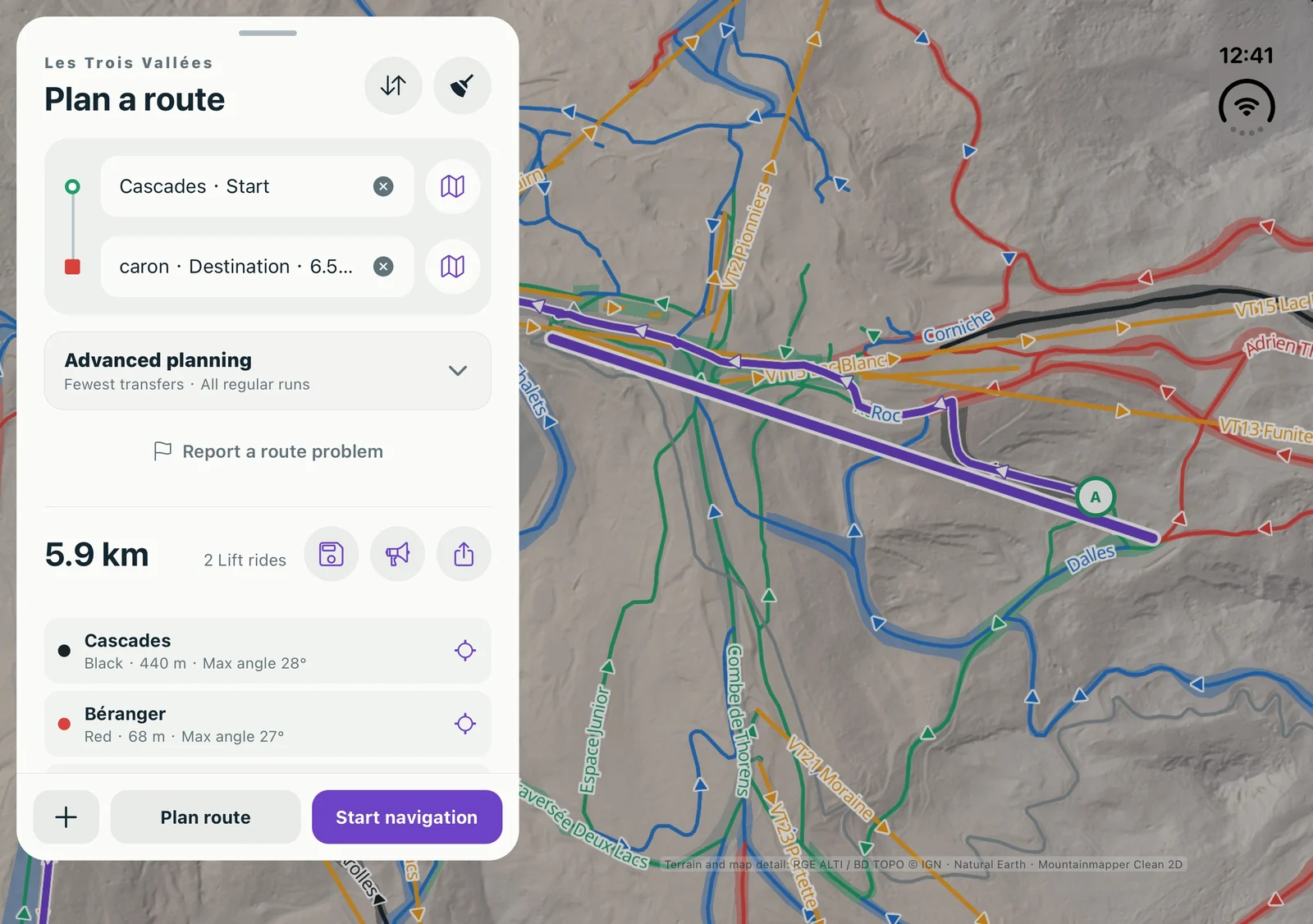
Inspect both point fields and the map. Check that you selected the intended piste or lift, including its start or end when relevant. Do not move a point merely to force a result if the resulting access is not appropriate.
Keep your difficulty limit
Our UCPA–Courchevel case found no green-only connection, while the same public reference points connected when blue pistes were allowed. That explains a calculation constraint; it is not a reason to ski above your ability.
Check data and connectivity separately
Downloaded piste and lift search is different from online place search. For journeys across areas or with walking or transport legs, check the required data for the entire journey. Reconnect to finish downloads and refresh restriction information before departure.
Send a useful support report
Include your app version, iPhone or Android model, ski area, the displayed error and the difficulty setting. If comfortable sharing them, use public piste or lift names for the start and destination. Remove personal locations and account details from screenshots.