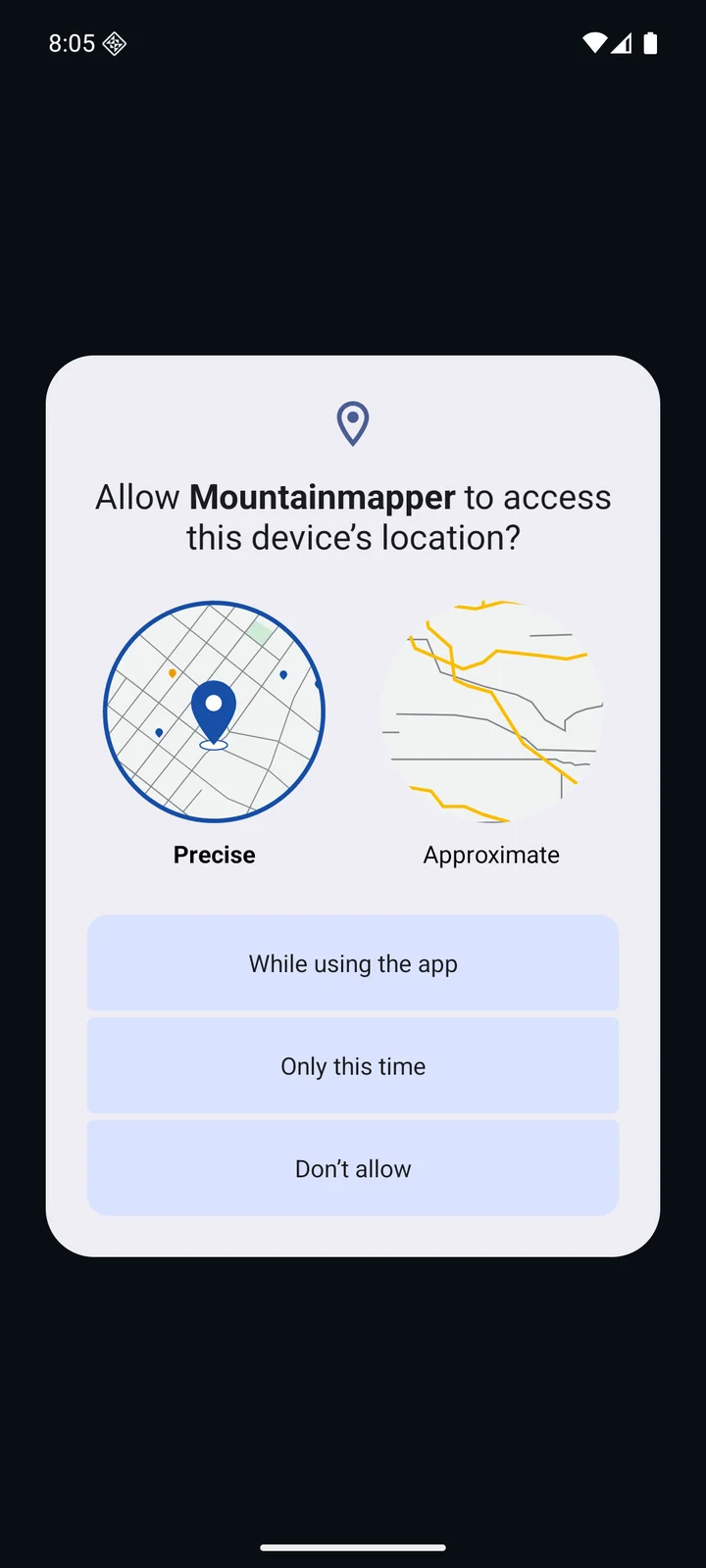
1. Prepare your ski area
Open the ski area you intend to use. In Settings → Map and offline maps, finish downloading its map, search data and routing network. Stay connected for your first route and check the same journey offline afterwards.
2. Choose an exact start and destination
Open Plan a route. Set a start and destination using the search or map selection controls beside the point fields. Check the selected place on the map: a village centre, lift boarding point and piste endpoint are different locations.
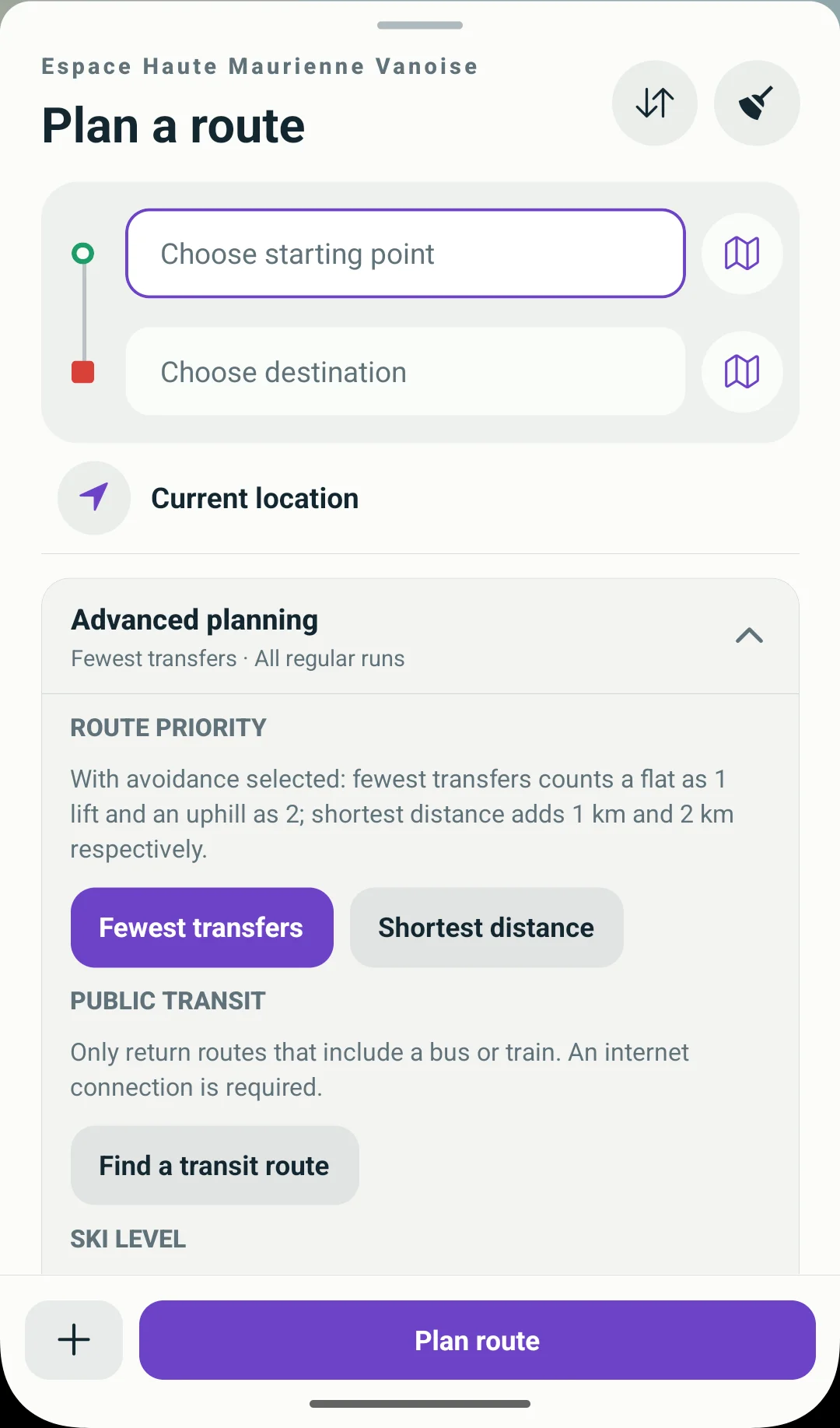
- Choose starting point.
- Choose destination.
- Use the map icon beside a point to select it on the map.
- Expand Advanced planning for difficulty and preferences.
3. Set a difficulty you can ski
Open Advanced planning and choose your maximum piste difficulty before calculating. Green and blue limits are free; red limits and avoidance preferences require Premium. Keep your real limit if no route is returned.
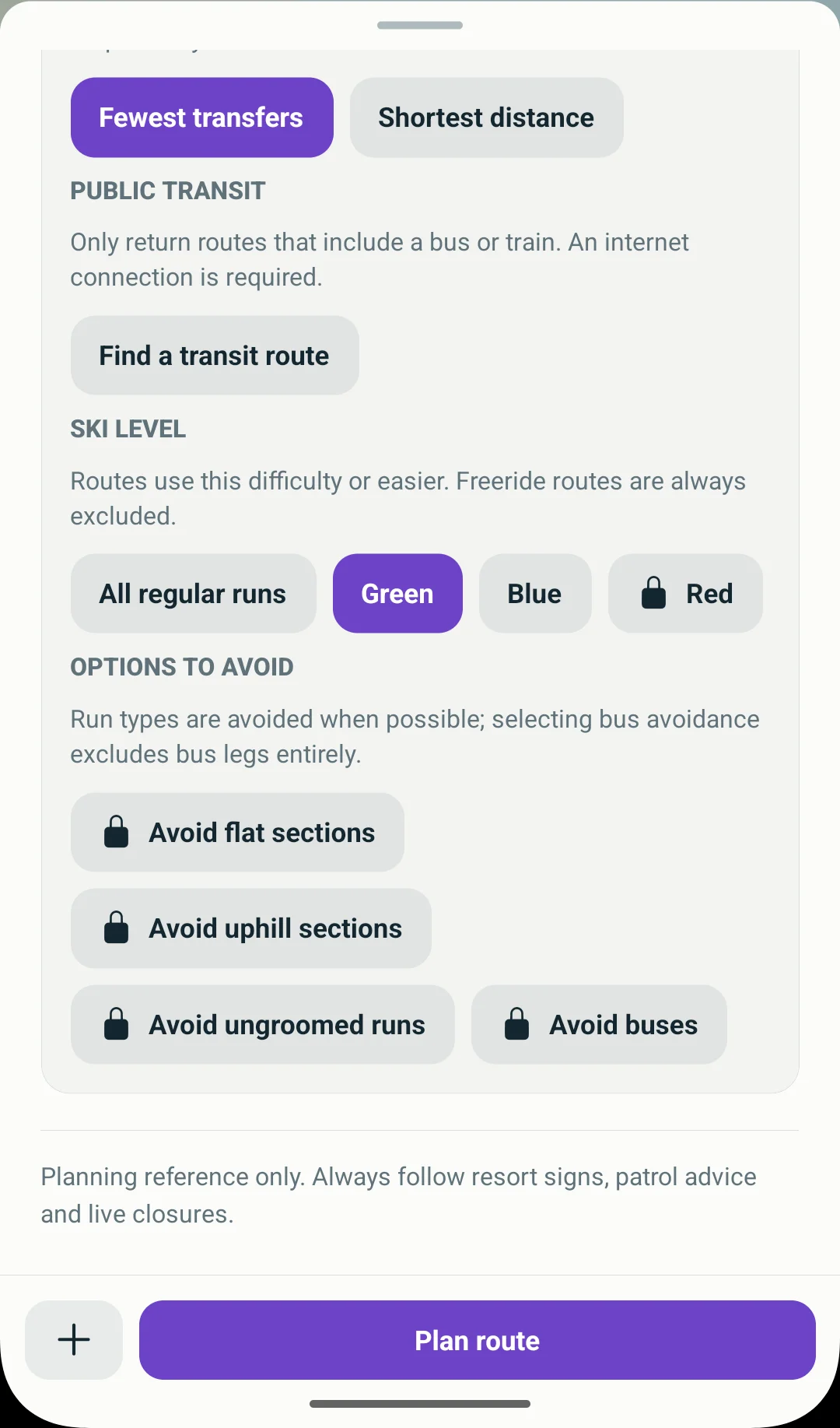
- Green allows pistes classified as green.
- Blue allows blue pistes and easier grades.
4. Calculate, then read the whole route
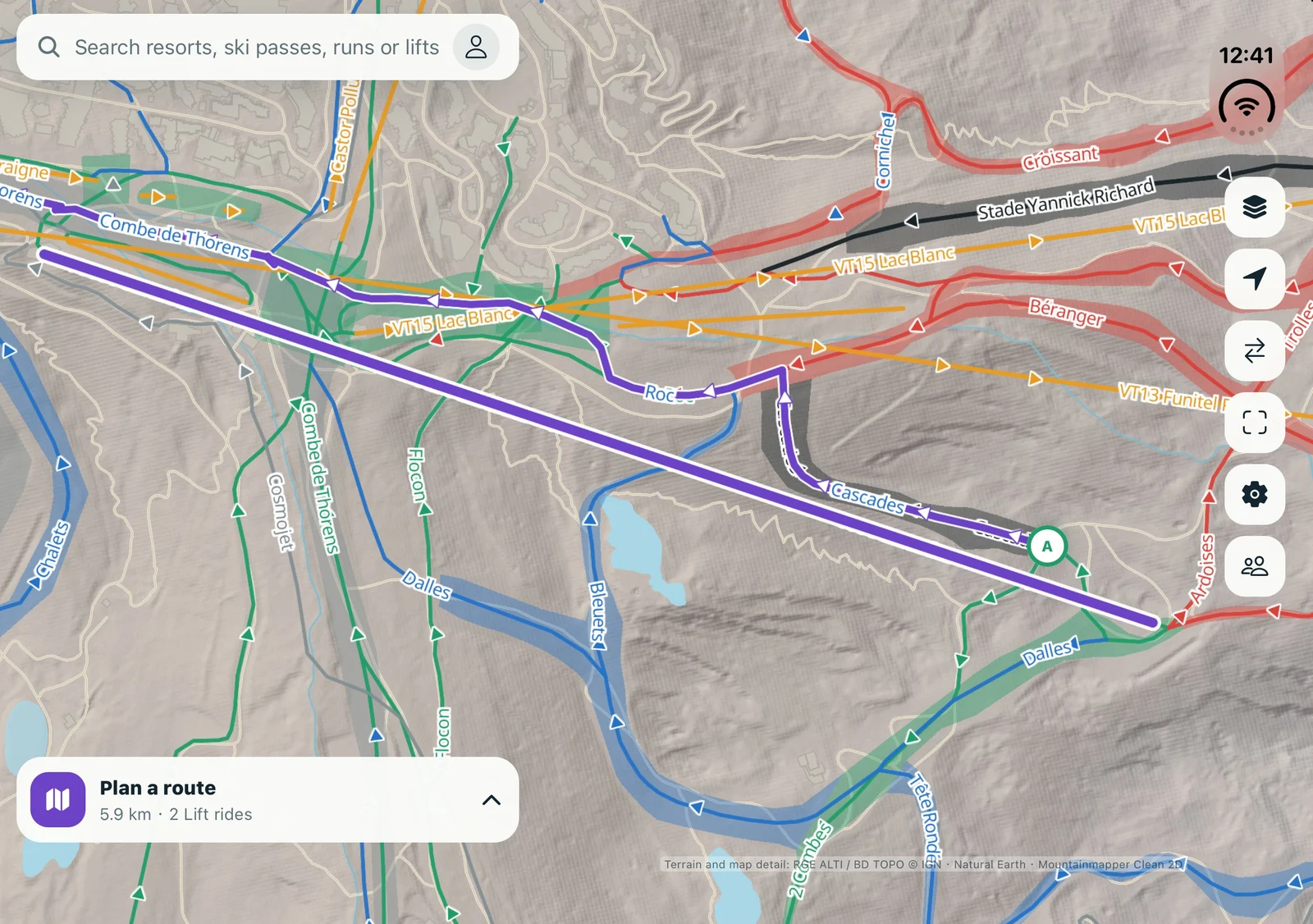
Tap Plan route and review every piste grade, lift name, walking leg and transport connection. This short green-route calculation makes the endpoints and path easier to understand.
This Accès UCPA example in Val Thorens follows the bold green line from A to B: about 363 m, no lifts, with about 360 m classified green and 3 m of graph connection. Thin lines show nearby Cairn and Plein Sud pistes and named lifts. The UCPA marker is a nearby reference, not a verified building entrance.
Check the actual locations and direction of A and B on the map. This demonstrates planning controls; it is not a field-tested lesson route. A data classification does not replace your ability assessment, official opening information or signs on the mountain.
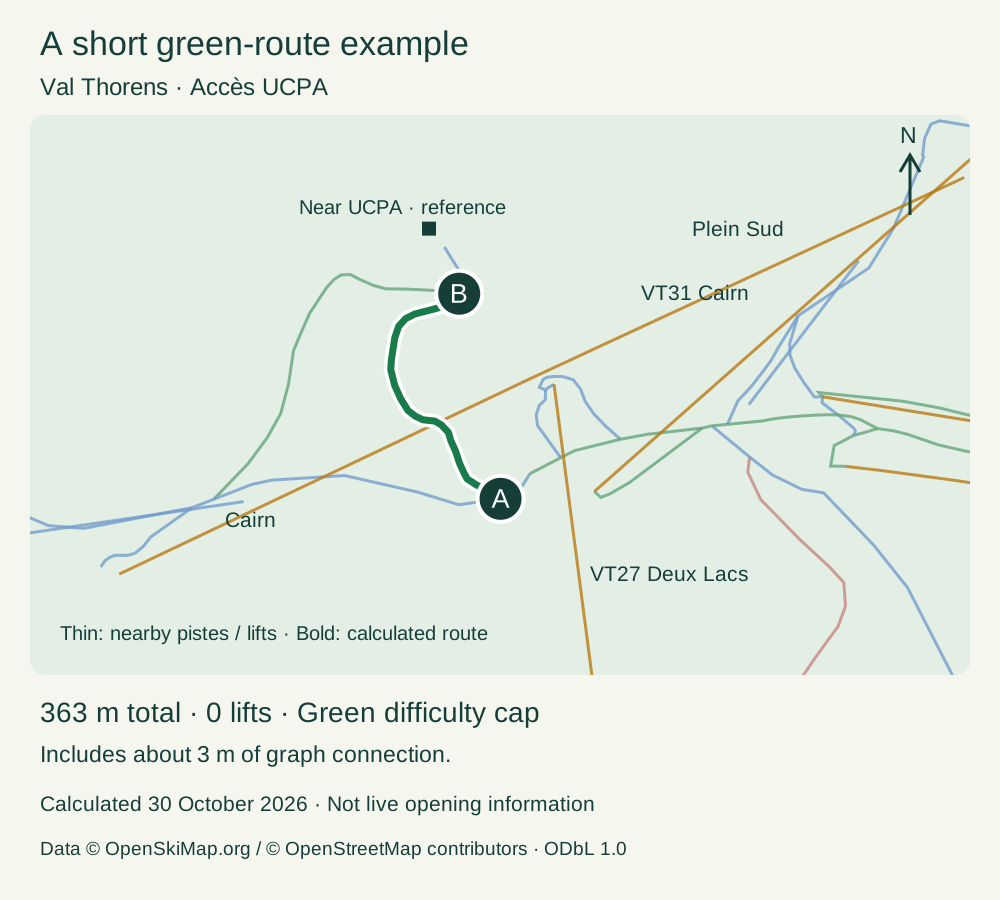
Calculation evidence: coordinates, version and result
The example follows Accès UCPA in Val Thorens: A (45.295108, 6.570509) → B (45.297346, 6.569835), with the difficulty cap set to Green. Calculated with the app’s current local planner on 30 October 2026: about 363 m, zero lifts, including about 360 m classified as green and 3 m of graph connection.
Inspect calculation, coordinates and data version (JSON)5. Start guidance when ready
Check official openings and local instructions, then start guidance while stopped in an appropriate place. Grant the location permission requested by the app. Starting guidance also requires restriction information checked within 24 hours; reconnect if that check is unavailable. Foreground visual guidance is free, while voice, background and lock-screen guidance require Premium.